

Overall Rating: 8.6 / 10 ⭐⭐⭐⭐
Two Platforms, One Account
Open an account with Weltrade and you face a small decision before your first trade: MetaTrader 4 or MetaTrader 5. Both come from MetaQuotes, both run on desktop, phone and browser, and both are free. The difference is what each was designed for — MT4 for forex with a huge library of community indicators, MT5 for a wider set of markets with deeper market data.
This guide sets the two side by side using what Weltrade publishes on its own platform pages, then suggests which one suits which kind of trader.
MetaTrader 5: The Broader Platform
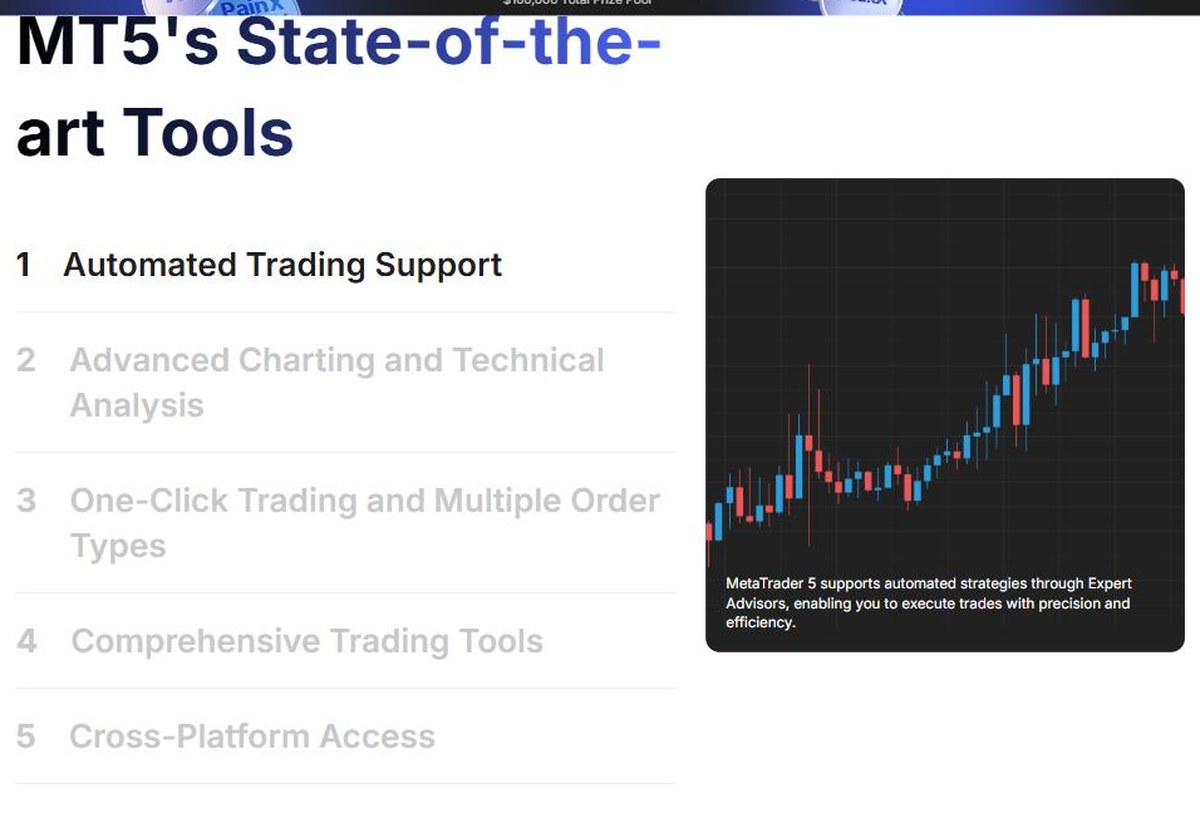
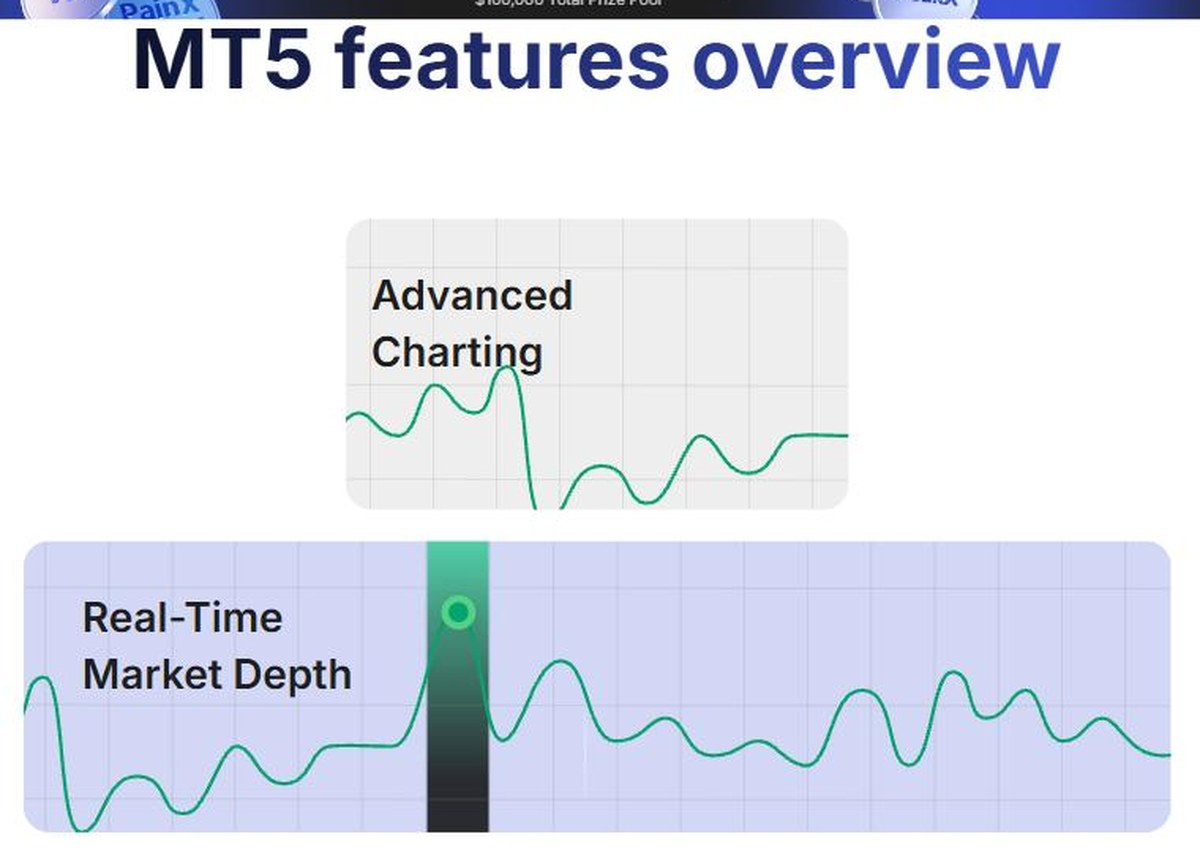
Weltrade positions MT5 as the platform for traders who want advanced markets — forex and CFDs together, with strong technical analysis and automation through Expert Advisors. Its five headline tool groups are:
- Automated trading support — Expert Advisors execute your strategy without you at the screen
- Advanced charting and technical analysis
- One-click trading and multiple order types
- Comprehensive trading tools
- Cross-platform access
The feature list adds real-time market depth, an economic calendar, multi-language support and 38 built-in indicators. Weltrade also highlights one-key login and the ability to trade shares, indices, forex pairs, commodities and metals from the same terminal. You can download MetaTrader 5 from Weltrade once your account is open.
MetaTrader 4: The Forex Classic
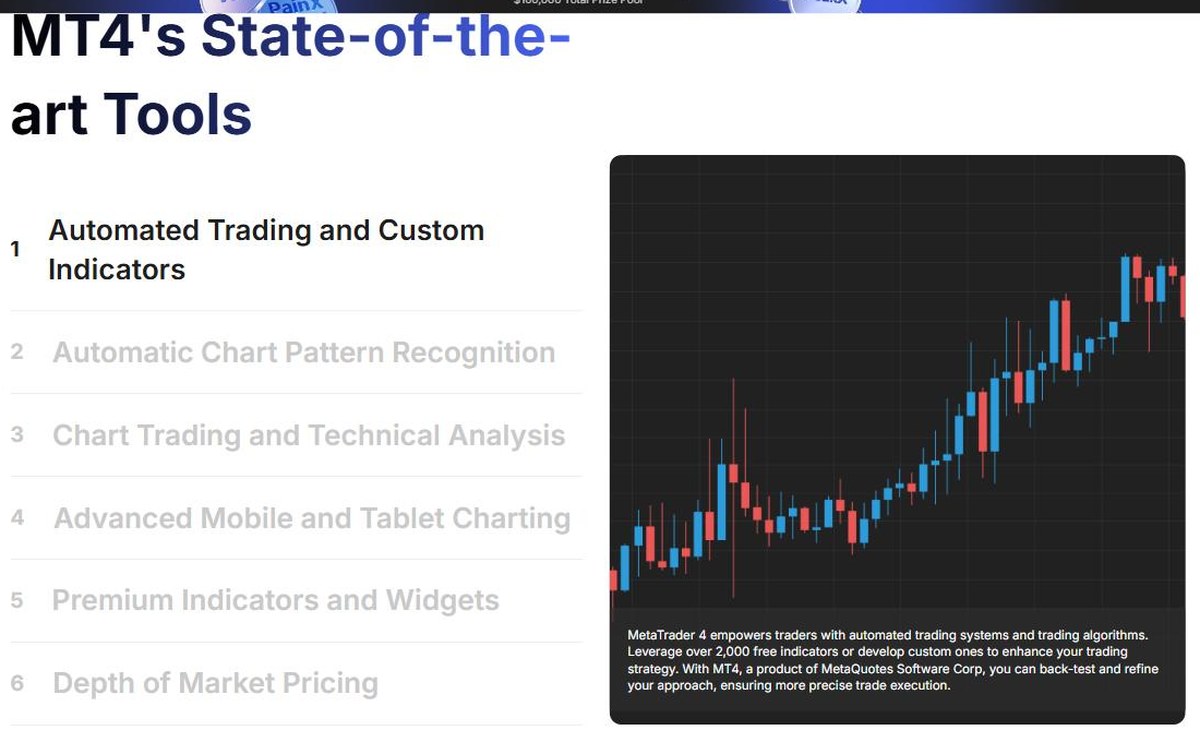
MT4 is described as the forex platform used by most retail investor accounts globally. It leans on its community: Weltrade points to over 2,000 free indicators available for it, plus the ability to write your own and back-test before going live. Its six tool groups are:
- Automated trading and custom indicators
- Automatic chart pattern recognition
- Chart trading and technical analysis
- Advanced mobile and tablet charting
- Premium indicators and widgets
- Depth of market pricing
It also offers one-click trading, mobile push notifications so you do not miss a move, and the MQL5 community built into the terminal for signals and expert advisors.
Side by Side
| Feature | MetaTrader 4 | MetaTrader 5 |
| Built for | Forex first | Forex, shares, indices, commodities, metals |
| Indicators | 2,000+ free community indicators | 38 built-in indicators |
| Automation | Expert Advisors + custom indicators | Expert Advisors |
| Market data | Depth of market pricing | Real-time market depth |
| Standout tool | Automatic chart pattern recognition | Economic calendar in-platform |
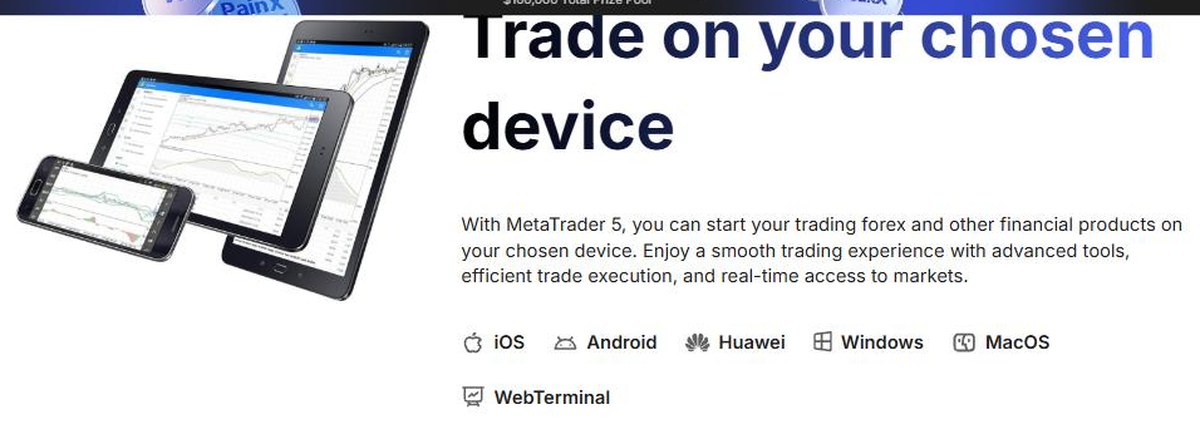
| Devices | iOS, Android, Windows, MacOS, WebTerminal | iOS, Android, Huawei, Windows, MacOS, WebTerminal |
Note the device row: MT5 is the one Weltrade lists with a Huawei build. Everything else overlaps.
Which One Should You Download?
- You trade forex only and want the biggest indicator library: MT4
- You want shares, indices and commodities in the same terminal: MT5
- You rely on Expert Advisors: both work, but check which platform your EA was written for — MQL4 and MQL5 are different languages
- You trade Weltrade’s SyntX synthetic indices: MT5, which is the platform those accounts use
- You are completely new: MT5, since it is the platform Weltrade’s current account specifications are built around
You can open a Weltrade account and choose your platform in a few minutes, then practise on a demo before funding anything.
One Thing to Confirm Before You Download
Weltrade’s official account specification table currently lists MetaTrader 5 as the platform for all five account types, while the homepage describes Micro and Pro accounts as supporting MT4 and MT5. Because this affects which terminal you should install, check with support which platform applies to the account you plan to open. The SyntX account trades only on MT5.
Also worth knowing: the “2,000+ indicators” and “38 built-in indicators” figures describe the MetaTrader ecosystem itself, not software Weltrade wrote. The broker supplies the account, the liquidity and the execution; MetaQuotes supplies the terminal.
Both terminals are delivered through the same login, so the decision is never permanent. Traders who want to test the difference themselves can open a Weltrade account and install both builds side by side on the same balance.
Company Information and Licence
- Weltrade Ltd. — an International Business Company incorporated in Saint Lucia (Registration No. 2023-00055). This is a company registration, not a financial-services licence.
- Weltrade SA (PTY) Ltd — South African company holding FSP Intermediary Licence No. 50691, Category I — Intermediary Services in respect of derivative instruments, issued by the Financial Sector Conduct Authority.
- Danoa Enterprises LTD (Cyprus, HE489250) acts as payment agent.
An offshore registration means no retail leverage cap and no statutory compensation scheme of the kind the FCA or CySEC operate. Confirm which entity holds your account before depositing.
Risk Warning and Restricted Countries
Weltrade’s own risk warning: “CFDs are complex instruments and come with a high risk of losing money rapidly due to leverage. A substantial majority of retail traders lose money when trading CFDs with providers.”
Services are not available to residents of the United States, Canada, the United Kingdom, European Union member states, the Russian Federation, Belarus, India, Iran and North Korea, or jurisdictions under international sanctions or FATF restrictions.
The Verdict
| Category | Assessment |
| Platform choice | 9.0 / 10 — both MetaTrader terminals, free, no proprietary lock-in |
| Device coverage | 9.0 / 10 — desktop, mobile, web, plus a Huawei build for MT5 |
| Automation | 8.5 / 10 — EAs on both, 2,000+ community indicators for MT4 |
| Documentation | 8.0 / 10 — clear feature pages and a MetaTrader guide, though platform-per-account needs checking |
| Transparency | 8.0 / 10 — risk warning and restricted countries published plainly |
| Overall | 8.6 / 10 — a solid, conventional platform offer where the only real decision is MT4 or MT5 |
Ready to pick one? Get started with Weltrade and install the terminal that matches how you trade.
Disclaimer
This article is for information only and is not investment advice. Trading CFDs carries a high risk of losing money rapidly due to leverage, and you should not trade with money you cannot afford to lose. Details such as platform availability, account conditions and promotions were accurate at the time of writing and may change — always verify on the official website before opening an account. This post contains affiliate links, which may earn us a commission at no extra cost to you.





Reviews
There are no reviews yet.